Payment
Instructions
For customers without an existing
PayPal account
Here is the step-by-step instructions for ordering your hosting account. If you have any questions, please let us know.
Step 1
Proceed to our order form by clicking
on the Thawte button.
Step 2
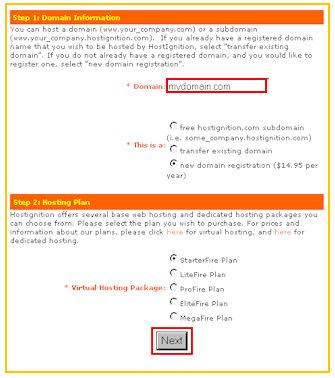
Enter your domain name, select your
hosting plan and then proceed Next.
Step 3
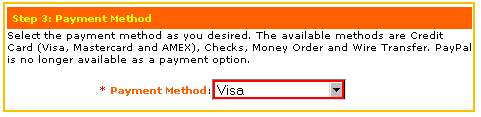
Select which type of credit card you
will be using, and select other options on the order form as necessary.
Step 4
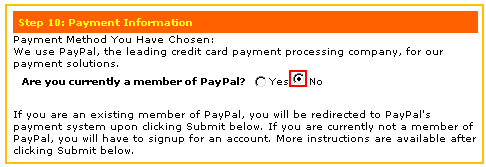
Enter all your hosting account
information, and then indicate you are currently not a member of PayPal.
Then proceed to next step.
Step 5

Click on the PayPal link, and the
follow the instructions on PayPal's website to signup for your PayPal
account.
Step 6
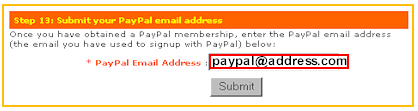
Once you have signed up for an
account with PayPal, go back to our order form and submit your PayPal email
address.
That's it. It is easy as 6 steps to get your web hosting account setup without an existing PayPal account with the benefits and advantages of our special promotion.